Password Security Guide: How to Keep Your Accounts Safe
Published · Updated
Password Security Guide: How to Keep Your Accounts Safe protecting your online accounts is more important than ever. We use digital accounts for everything from online banking and shopping to social…
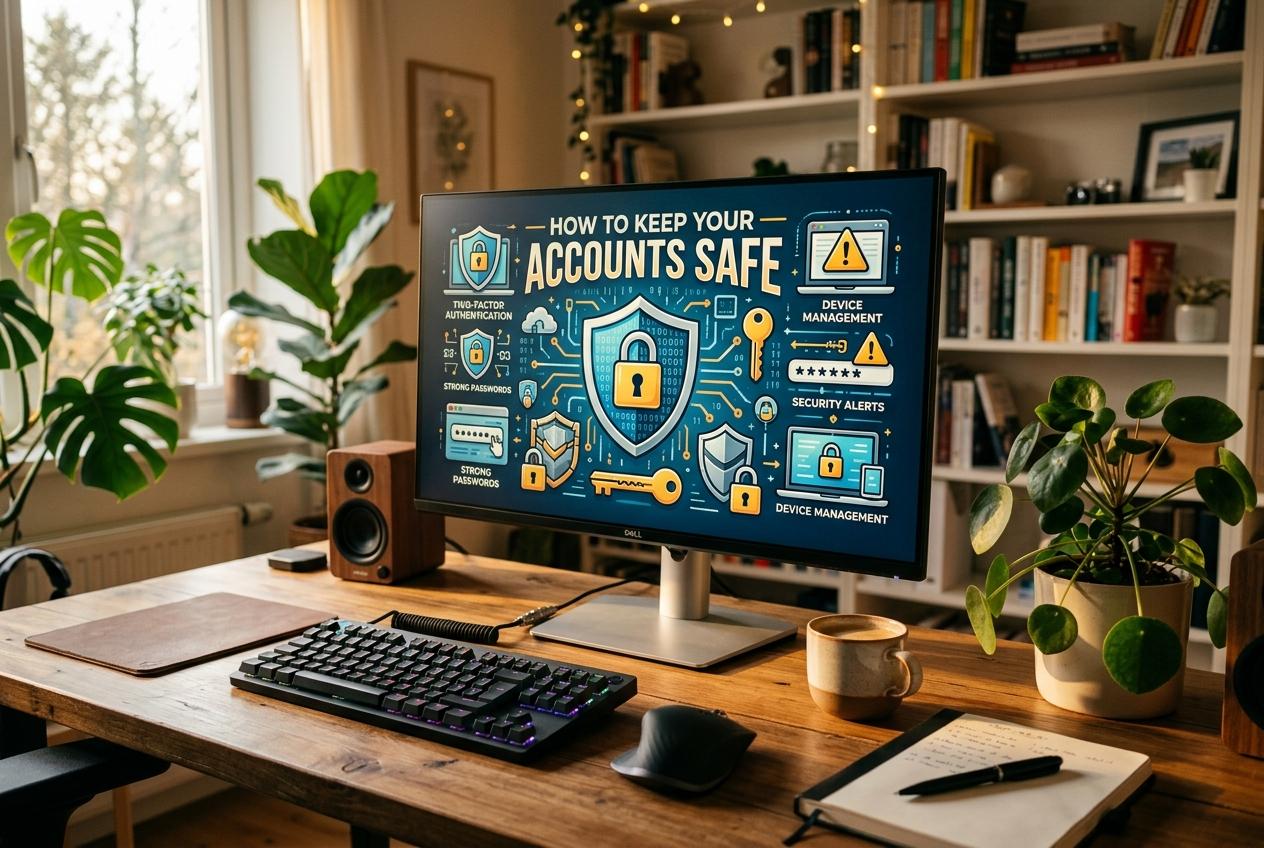
protecting your online accounts is more important than ever. We use digital accounts for everything from online banking and shopping to social media, email, and work. While these services make life easier, they also create opportunities for cybercriminals to steal personal information, access private accounts, and commit identity theft.
One of the biggest mistakes people make is assuming that a password alone is enough to protect their digital identity. Weak passwords, reused login credentials, phishing scams, and data breaches can all put accounts at risk.
The good news is that improving your password security does not require advanced technical knowledge. With a few practical habits and the right security tools, you can make your accounts much harder to compromise. Here is a complete guide to keeping your online accounts safe in 2026.
1. Create Strong and Unique Passwords
A strong password is your first line of defense against unauthorized access. Short passwords and predictable combinations are easier for attackers to guess, particularly when they use automated password-cracking tools.
Choose a long, unpredictable password for every account. For accounts protected by a password alone, aim for at least 15 characters. A password manager can generate random passwords that are difficult to guess and easy to store securely.
Avoid using your name, birthday, phone number, or common phrases. These details may be easy to discover, especially if you share personal information on social media.
Remember, the goal is not simply to make a password complicated. It is to make it long, unpredictable, and unique.
2. Never Reuse Passwords Across Accounts
Using the same password for multiple accounts might seem convenient, but it can create serious security problems.
Imagine that an online shopping website suffers a data breach. If you use the same password for your email, social media, and banking accounts, attackers may try those stolen credentials on other services. This technique is known as credential stuffing.
To prevent this, give every account its own password. Start with your email account because it may be used to reset passwords for many of your other services.
A trusted password manager makes this process much easier by securely storing unique login credentials in one place.
3. Use a Password Manager
Remembering dozens of complex passwords is difficult, even for people who understand cybersecurity. A password manager helps solve this problem by generating, storing, and autofilling passwords.
When choosing a password manager, look for strong encryption, reliable security updates, multifactor authentication, and a clear recovery process.
Protect your password vault with a long, unique master passphrase. Enable additional authentication whenever possible, and keep recovery codes somewhere safe.
Avoid storing sensitive passwords in plain-text documents, unsecured notes, or spreadsheets. These methods may expose your login details if someone gains access to your device.
4. Enable Two-Factor Authentication
Two-factor authentication (2FA) adds another layer of protection to your online accounts. Instead of relying only on a password, you must provide an additional form of verification.
This might involve an authenticator app, a security key, or an authentication prompt on a trusted device.
Multifactor authentication (MFA) is especially important for email, banking, social media, and password manager accounts. Even if someone steals your password, the additional verification step can make unauthorized access more difficult.
Whenever possible, choose phishing-resistant options, such as passkeys or compatible hardware security keys. These are generally stronger against fake login pages than SMS verification codes.
5. Learn to Recognize Phishing Attacks
Phishing remains a major online security concern. Cybercriminals often send fake emails, text messages, or social media messages designed to trick people into revealing passwords.
For example, you might receive a message claiming that your account will be suspended unless you verify your identity immediately. The message may include a link to a convincing but fraudulent login page.
Before clicking a link, check the sender and the website address carefully. Be suspicious of unexpected requests for login details, verification codes, or account recovery information.
When in doubt, visit the service through its official website or app rather than using a link in an unexpected message.
6. Consider Switching to Passkeys
Passkeys are an increasingly popular alternative to traditional passwords. They use cryptographic credentials to verify your identity, often through a fingerprint, facial recognition, or your device's PIN.
Unlike ordinary passwords, passkeys are designed to resist phishing because they are tied to the legitimate website or service. They also reduce the need to remember or manually enter complicated passwords.
In 2026, it is worth checking whether your important accounts support passkeys. Consider enabling them for email, compatible social media platforms, and other services that offer this option.
Before switching, make sure you understand how account recovery works and how to regain access if you lose your device.
7. Keep Your Devices and Software Updated
Password security is only one part of protecting your digital life. Outdated operating systems, browsers, and applications can contain security vulnerabilities that attackers may exploit.
Install security updates when they become available. Use reputable security software where appropriate, enable automatic updates, and remove applications you no longer need.
Be cautious when installing browser extensions or downloading files from unfamiliar websites. Malicious software can sometimes capture keystrokes or steal information stored on your device.
Keeping your devices updated helps reduce these risks and strengthens your overall cybersecurity.
8. Check for Data Breaches
Even if you follow good password practices, a website you use could experience a data breach.
Use a reputable breach-notification service to check whether your email address has appeared in known breaches. Avoid entering your current password into unfamiliar websites that claim to test its security.
If a password has been exposed, change it immediately on the affected service. Update it anywhere else you reused it, and review recent account activity for suspicious logins.
Enable security alerts when available so you can respond quickly to unusual activity.
9. Protect Your Account Recovery Options
Account recovery is often overlooked, but it plays an important role in online security. An attacker who gains access to your recovery email or phone number may be able to take control of an account.
Use a strong, unique password for your recovery email account and enable multifactor authentication. Keep your registered phone number and recovery details up to date.
Store backup codes securely and never share verification codes with someone who contacts you unexpectedly.
Review your account recovery settings periodically, particularly after changing devices or switching phone numbers.
10. Review Your Online Security Regularly
Good password security is not a one-time task. Your online habits, devices, and potential threats change over time.
Set aside a few minutes every month to review important account settings. Check recent login activity, remove unfamiliar devices, update compromised passwords, and confirm that multifactor authentication is enabled.
You do not need to change every password on a fixed schedule if there is no reason to believe it has been compromised. Instead, change passwords when they are exposed, reused insecurely, or otherwise at risk.
A regular security review helps you identify problems before they become more serious.
Final Thoughts
Keeping your accounts safe requires more than choosing a complicated password. Strong, unique passwords, password managers, multi factor authentication, passkeys, and phishing awareness all contribute to better online security.
Start with your most important accounts, especially email and banking. Replace reused passwords, enable additional authentication, and review your recovery options.
Small improvements can make a meaningful difference. By building these password security habits into your daily routine, you can protect your personal information, reduce the risk of account takeover, and enjoy greater confidence in your digital life.
Never type a real password into a web page. That includes this one. Our tools analyse and generate passwords entirely in your browser and never transmit them — see the about page for how that is implemented.