
How QR Codes and Barcodes Work? A Complete Guide for Businesses
Published · Updated
In today's digital world, QR codes and barcodes play an important role in product identification, inventory management, retail sales, and business organization. From supermarket products and handmade…
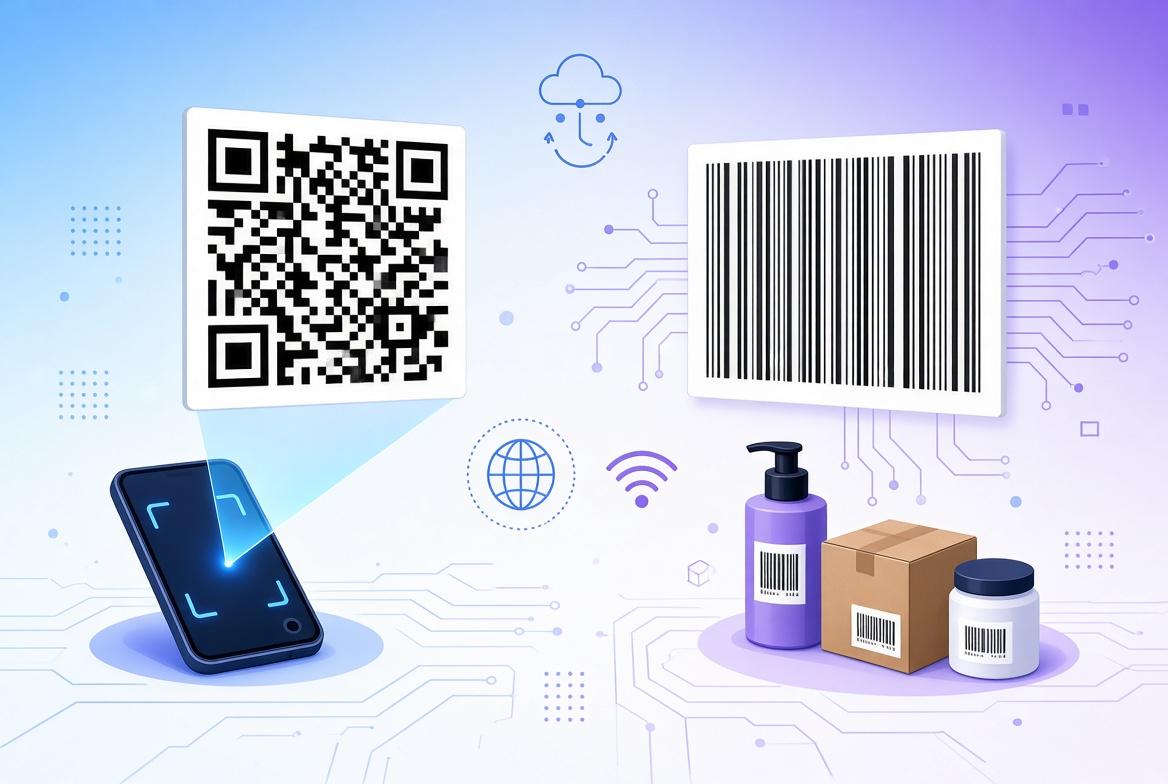
In today's digital world, QR codes and barcodes play an important role in product identification, inventory management, retail sales, and business organization. From supermarket products and handmade crafts to shipping packages and promotional materials, these scannable codes make it easier to access information quickly and accurately. With QR code, barcode, price label, product label, and item number label templates, businesses can create professional labels that help organize products and improve the customer experience.
Whether you run a small business, sell handmade products, participate in craft fairs, or manage a retail store, understanding how QR codes and barcodes work can help you make better use of printable labels and digital templates.
What Is a Barcode?
A barcode is a visual representation of information that can be read by a barcode scanner. Traditional barcodes usually consist of a series of black lines and white spaces arranged in a specific pattern. Each line and space has a particular width, and the combination represents encoded data.
Barcodes are commonly used to identify products, track inventory, manage stock, and process transactions at checkout counters. They allow businesses to retrieve product information without entering details manually, reducing errors and saving time.
For example, a product in a retail store may have a barcode linked to its name, price, manufacturer, and inventory record. When a cashier scans the barcode, the connected point-of-sale system retrieves the relevant product information from its database.
It is important to understand that a barcode does not necessarily contain every detail about a product. In many retail systems, the barcode stores an identifier that connects to information saved in a computer system.
hOW DO BARCODES WORKS?
The barcode scanning process involves three main steps: encoding, scanning, and interpreting the information.
First, a product identifier or other information is converted into a barcode pattern using an appropriate barcode format. This pattern is printed on a label and attached to the product or packaging.
Next, a barcode scanner shines light onto the printed code and detects the reflected light. Dark bars and light spaces reflect light differently, allowing the scanner to recognize the pattern.
Finally, the scanner converts the detected pattern into digital data. The connected software interprets that data and retrieves the associated information, such as a product record, inventory number, or price.
Barcodes are especially useful for businesses that handle many products. They help simplify stock counting, product tracking, order processing, and checkout operations.
wHAT IS A QR CODE?
A QR code, short for Quick Response code, is a type of two-dimensional barcode designed to store information in a compact square pattern. Unlike traditional linear barcodes, QR codes use small black-and-white modules arranged horizontally and vertically.
QR codes can store different types of information, including website addresses, contact details, text, Wi-Fi connection information, and other supported data. This makes them useful for both product organization and customer engagement.
For example, a small business can place a QR code on a product label to direct customers to its website, online shop, product instructions, social media page, or digital catalog.
QR codes are easy to scan using most modern smartphones. Customers usually open their phone's camera or a compatible scanning application, point it at the code, and tap the displayed link or action.
HOW DO QR CODES WORK?
QR codes work by converting information into a pattern that a compatible scanner can interpret.
When a QR code is generated, the selected information is encoded into a grid of dark and light squares. Special positioning patterns help a scanner identify the code's location and orientation. Other elements assist with alignment, timing, and error correction.
When a smartphone camera scans the QR code, the software detects the square pattern, analyzes the modules, and decodes the stored information. If the code contains a website address, the phone may offer to open that website. If it contains plain text, the text can be displayed directly.
One advantage of QR codes is their error-correction capability. Depending on the QR code's configuration, some information can still be recovered if part of the printed code is damaged or obscured. However, this does not guarantee that every damaged or poorly printed code will scan successfully.
For best results, QR codes should be printed clearly, kept free from excessive distortion, and surrounded by sufficient white space.
QR CODES VS. TRADITIONAL BARCODES
Although QR codes and traditional barcodes both store machine-readable information, they serve somewhat different purposes.
Traditional barcodes are often used for product identification, retail checkout, and inventory tracking. They are compact, widely supported by retail systems, and suitable for many standardized product identifiers.
QR codes can store more information in a two-dimensional pattern and are particularly useful for linking physical products to digital content. They can connect customers to websites, product guides, registration pages, and marketing campaigns.
For example, a store may use a traditional barcode to identify an item in its inventory system while placing a QR code on the packaging to provide customers with additional product information.
The right option depends on the intended use. Businesses should also confirm that their scanners, software, and sales platforms support the selected code format.
Why Are Price Labels and Item Number Labels Important?
Price labels and item number labels help businesses maintain an organized and professional product display. They make essential information easier to identify and can reduce confusion for customers and staff.
A price label clearly displays the selling price of a product. An item number label identifies a product using an internal stock number, SKU, or another reference code. Product labels can include names, descriptions, sizes, colors, and other useful details.
When combined with QR codes or barcodes, these labels can create a more efficient product management system.
For example, a handmade candle business may use a product label to display the candle's name, a price label to show its selling price, an item number label to identify a particular scent, and a QR code to link customers to its online store.
This approach helps keep product displays consistent and makes it easier to manage products across retail shelves, market stalls, storage areas, and online sales operations.
Benefits of Printable QR Code and Barcode Templates
Printable QR code and barcode templates provide a convenient starting point for creating organized business labels. Instead of designing every label from scratch, users can work with prepared layouts and customize them according to their needs and preferred design software.
Some important benefits include:
1. Better organization: Consistent labels help businesses identify products, prices, and item numbers quickly.
2. Professional presentation: Clean, well-aligned labels can improve the appearance of retail displays, handmade products, packaging, and market stall arrangements.
3. Time savings: Reusable layouts make it easier to prepare multiple labels without repeating the entire design process.
4. Flexible customization: Depending on the file format and software compatibility, users may be able to adjust text, prices, product details, and other design elements.
5. Digital convenience: Downloadable templates can be accessed after purchase, allowing users to prepare labels when needed without waiting for physical delivery.
6. Support for small businesses: Printable labels are useful for craft sellers, boutique owners, market vendors, home-based businesses, and retailers who want a consistent labeling system.
A template provides the layout, but a functional QR code or barcode must contain the correct encoded information. Users should verify that codes are generated appropriately and test them before printing labels in large quantities.
HOW TO USE QR CODES AND BARCODE LABEL TEMPLATES
Using digital label templates is straightforward, even for beginners.
First, purchase the digital product and download the available files through the appropriate marketplace. For Etsy purchases, buyers can generally find eligible downloads under You > Purchases and Reviews > Download Files.
Next, open the downloaded files using compatible design software or a suitable printing service. Review the available layouts and select the templates needed for your products.
Add the relevant product information, such as the item name, selling price, stock number, or other details. If the template includes a space for a QR code or barcode, insert a correctly generated code that matches your intended purpose.
Before printing, check the text, dimensions, alignment, and readability of the labels. Print a test sheet and scan the codes using compatible devices. Confirm that each QR code opens the correct destination and that each barcode returns the intended identifier in your scanning system.
Once everything has been checked, print the final labels and attach them neatly to your products, packaging, storage containers, or display areas.
TIPS FOR CREATING SCANNABLE LABLES
The quality of a printed code directly affects how easily it can be scanned. Use clear, high-contrast printing, preferably dark codes on a light background. Avoid stretching, compressing, or distorting the code during customization.
Choose a suitable size for the scanner and intended application. Keep sufficient clear space around the code, and avoid placing glossy materials, decorative graphics, or text over important scanning areas.
For QR codes, test the destination link before printing. For barcodes, ensure the selected format matches the identifier and that the receiving scanner or software supports it. Remember that a visually attractive label is only useful if its code can be read correctly.
Who Can Benefit From These Digital Label Templates?
These templates can be useful for a wide range of applications, including small retail stores, craft fairs, handmade product businesses, market stalls, gift shops, online sellers, home-based businesses, and inventory storage systems.
They are particularly helpful for sellers who want to maintain consistent product labeling while connecting physical products to online information.
Whether you need price labels for a market display, item number labels for stock organization, product labels for packaging, or QR code labels that direct customers to an online shop, a reusable digital template can help simplify the process.
Digital Download Product Information
Please read before purchasing.
This is a digital download product. No physical item will be shipped. You will receive access to the available files after purchase.
Listing includes:
QR code template
Barcode template
Price label template
Product label template
Item number label template
Product details:
Skill level: Beginner
Finished size: Not specified
Colors shown: Black and white
Format: Digital download
Recommended use: Retail displays, market stalls, product organization, and online linking
Recommendations for best results: Use your preferred compatible design software or printing service. Ensure that all codes are correctly generated, clearly printed, and tested before use.
Where to find your files: After purchasing on Etsy, navigate to You > Purchases and Reviews > Download Files.
Usage terms: You may use these templates for personal or business purposes to create finished items. You may not resell, redistribute, or share the template files themselves.
Refund policy: As this is a digital product, all sales are final. No refunds or exchanges can be issued once the files have been downloaded.
Questions? Please feel free to send a message through Etsy if you need assistance.
CONCLUSION
QR codes and barcodes make product identification, information sharing, and inventory organization more efficient. Traditional barcodes are widely used to identify products and retrieve records from business systems, while QR codes provide a convenient way to connect customers with digital information.
By combining these technologies with price labels, product labels, and item number labels, businesses can improve organization, create professional displays, and streamline everyday tasks.
Printable QR code and barcode templates offer a practical starting point for businesses that want consistent labels without designing every layout from scratch. With clear printing, accurate information, and proper code testing, these digital templates can become a useful part of an organized and professional product labeling system.
Never type a real password into a web page. That includes this one. Our tools analyse and generate passwords entirely in your browser and never transmit them — see the about page for how that is implemented.